






The all-in-one solution.

FIND DUPLICATE FILES AND FOLDERS
An easy to use interface helps you tell Duplicate Cleaner where to look and what to look for - our Wizard can help with settings. You can delete the files or move them somewhere else for later.

SORT OUT YOUR IMAGE COLLECTION
Finding similar photos or images - even when edited, rotated or resized - is no problem with Duplicate Cleaner.

TIDY UP YOUR MUSIC COLLECTION
Duplicate Cleaner can scan all popular music formats. Find duplicates by similar audio, exact matches or by tags such as Artist and Song title.

FIND DUPLICATE VIDEOS AND MOVIES
Find duplicate videos easily with Duplicate Cleaner Pro. Match by video frames or soundtrack. You can also match on metadata tags.

GET HELP FROM THE SELECTION ASSISTANT
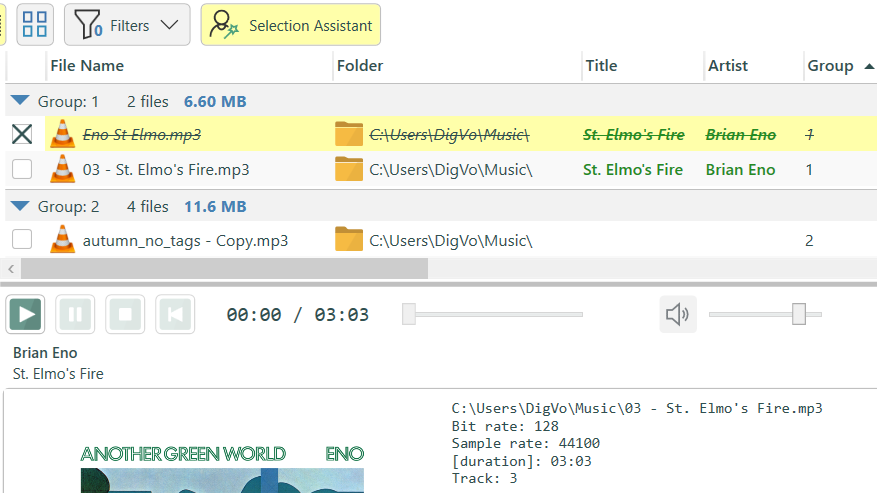
Use the powerful Selection Assistant to help with marking files for deletion (or copying, moving, creating shortcuts, etc)

MORE POWER WHEN YOU NEED IT
Duplicate Cleaner has enough features to satisfy even the most demanding power user: find duplicate folders, unique files, search inside zip files, advanced filtering, virtual folders, snapshot states and much more. Full feature list
Finding duplicate files
Duplicate Cleaner's straightforward interface makes it a snap to start searching for duplicates. You can narrow your search by the type of file, sizes, dates and more. You can specify which drives and folders to look in, and you even get an option to search inside Zip archives.
You're not on your own when selecting which duplicate files to remove. The Selection
Assistant lets you select files by groups, dates, drives, folders and more. You can
select a favourite folder, and remove files that duplicate it elsewhere, or maybe select the
smallest images, or the lowest quality mp3. Power and flexibility is the key!
Read
more.
Lists of files are all very well, but what if you've just made a copy of a directory? Duplicate Cleaner will show you that in the Duplicate Folder browser. Quickly see duplicated directory trees, and easily mark the ones you don't want to keep.
You can also specify an input folder to only find files that are duplicated in other
folders (Find externally). This means you can compare 'clean' areas (e.g. archives,
cd's) against other areas without generating unneeded lists of duplicate files.
You can also save scan settings and results and recall different settings for different
jobs at the touch of a button.
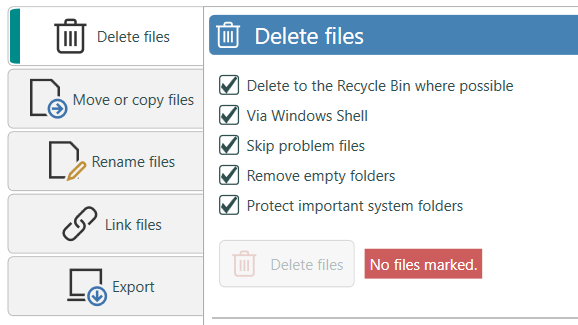
Duplicate Cleaner offers the flexibility to do what you choose with your duplicates: You can delete (Recycle bin optional), you can move or copy them, you can rename them or create shorcuts. Advanced users may also be interested in the Hard Linking functionality offered. Of course several safeguards are offered to make sure that important system files and programs aren't deleted.
Find duplicate images
Duplicate Cleaner gives you the power to clean up your image library. Using an advanced visual comparison technique, you can find images that have been rotated, flipped, retouched, resized or saved in a different format. You control how exact or loose you want the comparison to be.
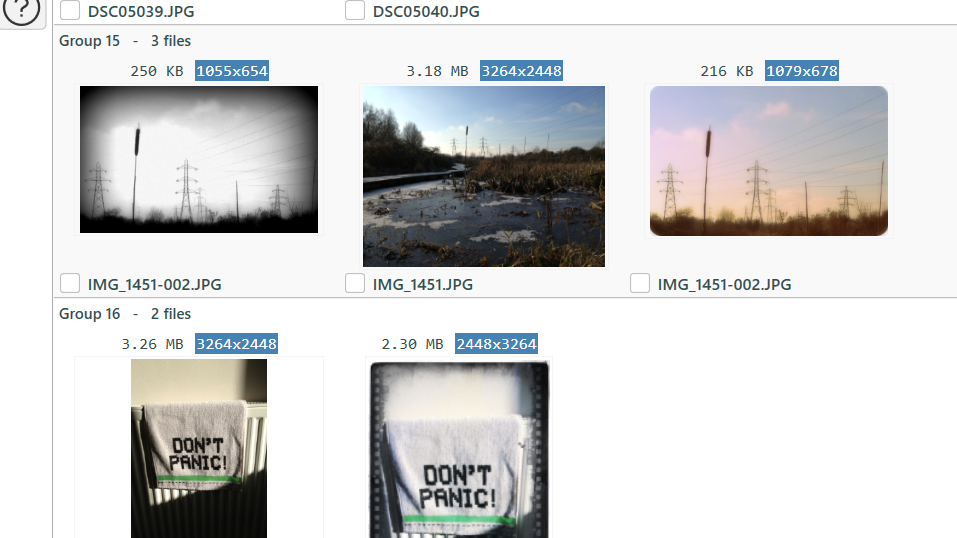
The special built-in image browser allows you to view the pictures in the duplicate group side-by-side, for comparison. This will aid in deciding what to keep. You can also display image and camera tags such as size, date taken, and colour depth.
Image comparison is fast, but to really speed up repeated scanning Duplicate Cleaner will store 'fingerprints' of your images. This way if you scan an image archive again, or scan it against a new folder, the cached fingerprint will be used. This will speed things up by over 90%.
Find duplicate music
You can scan and compare audio files using Duplicate Cleaner. Supported formats are MP3, OGG, WMA, M4A, M4P (iTunes), AAC, FLAC and WAV. Compare the same or similar music across different formats.
Duplicate Cleaner will list details of any audio it finds, including length, bit rate and sample rate in addition to the usual tags. The Selection Assistant can help you pick which files to remove - for instance the shortest version or lowest quality.
Screenshots
A closer look at Duplicate Cleaner in action.
-
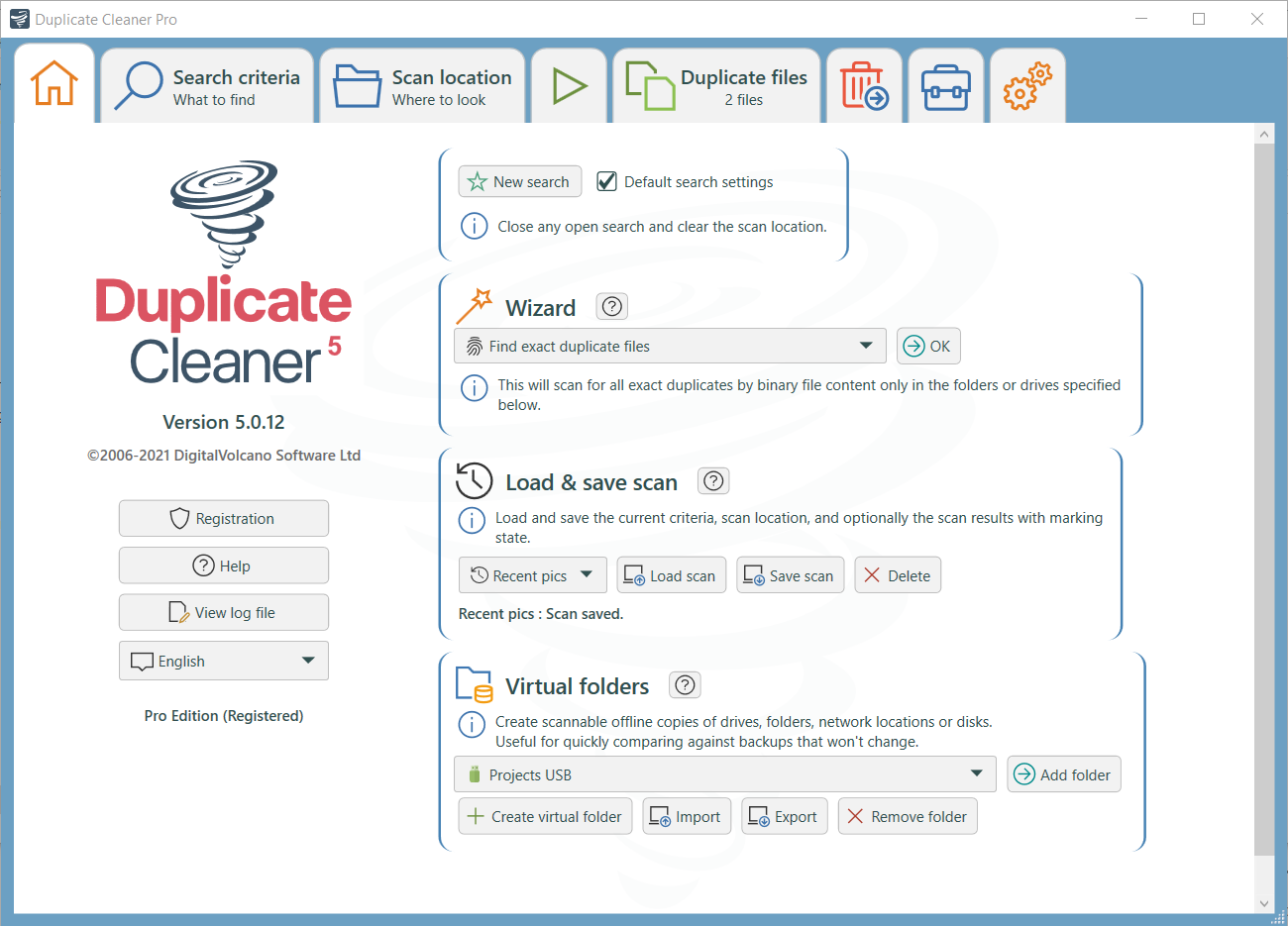
Duplicate Cleaner Pro home tab.
-
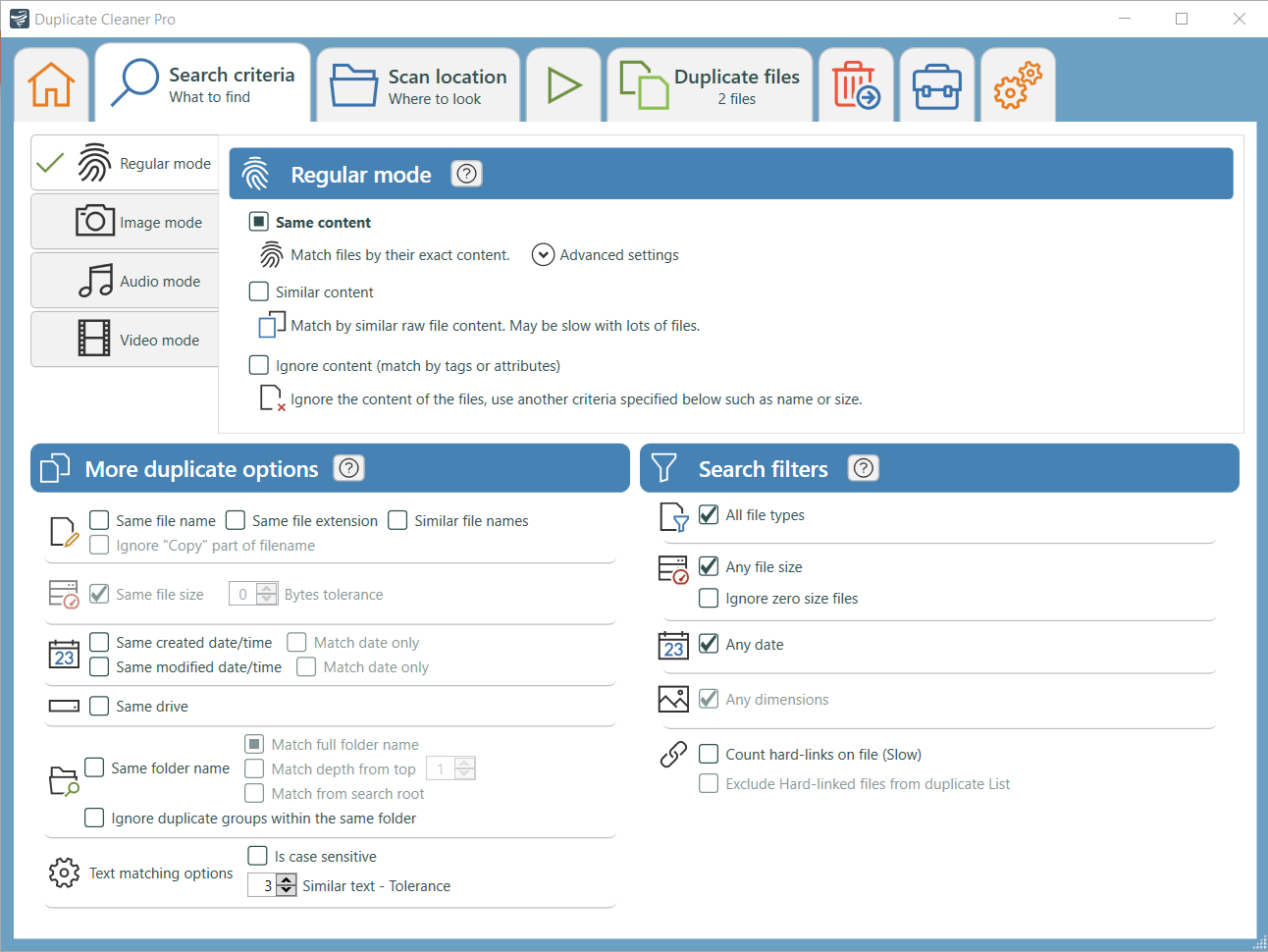
Duplicate Cleaner Pro criteria tab - setting search criteria and filters.
-
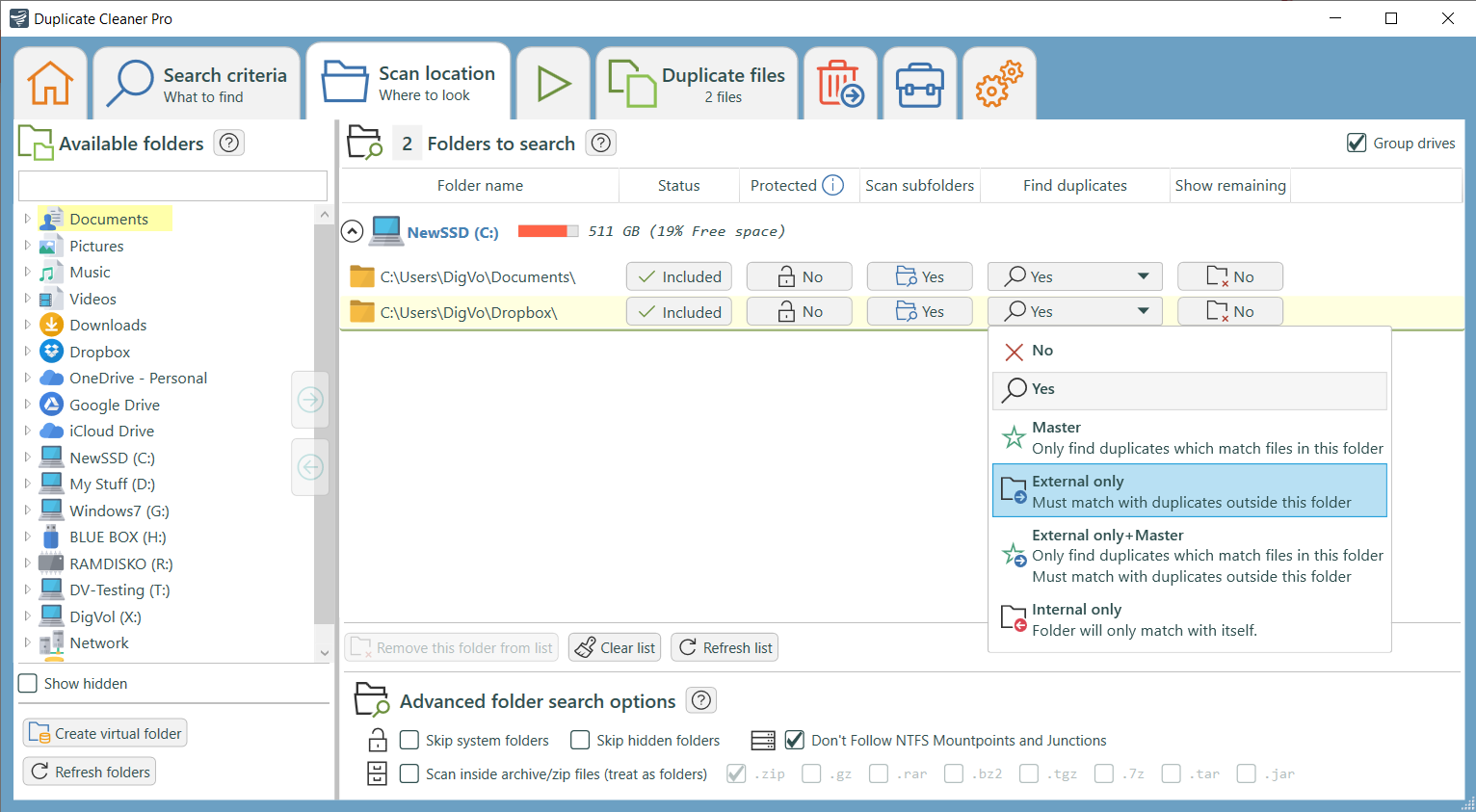
Specifying the places to scan.
-
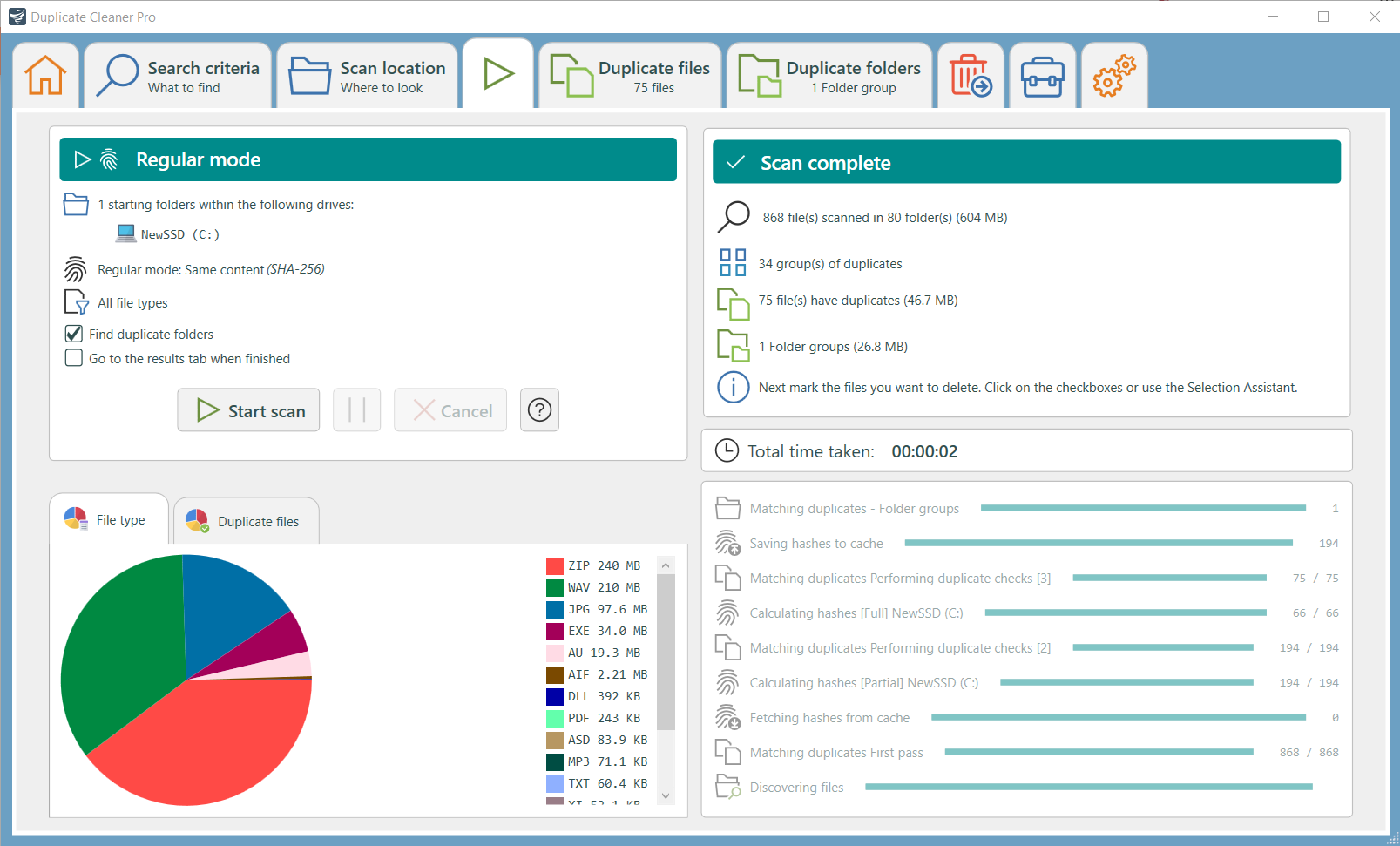
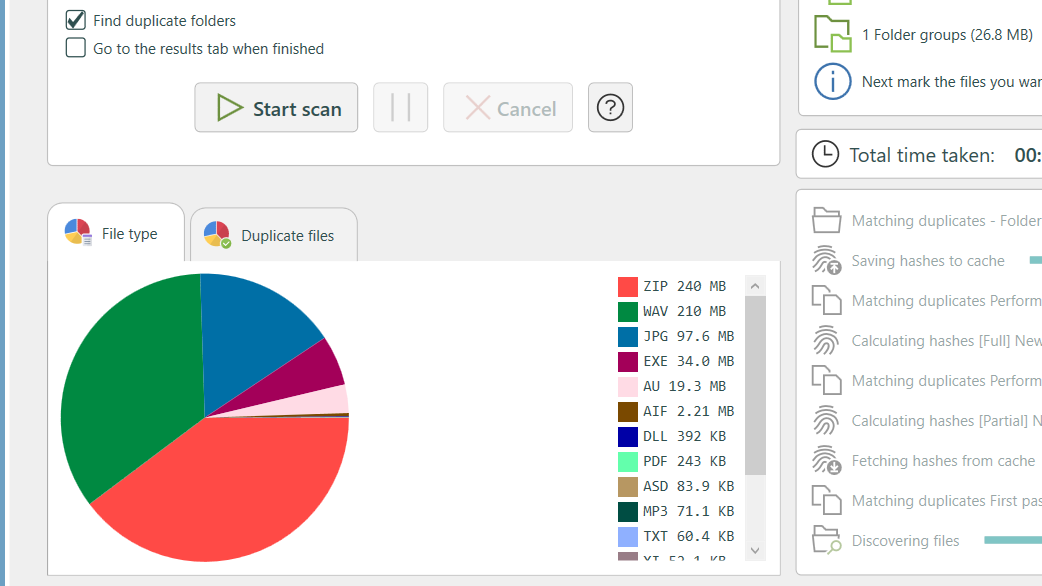
Duplicate scanning in progress.
-
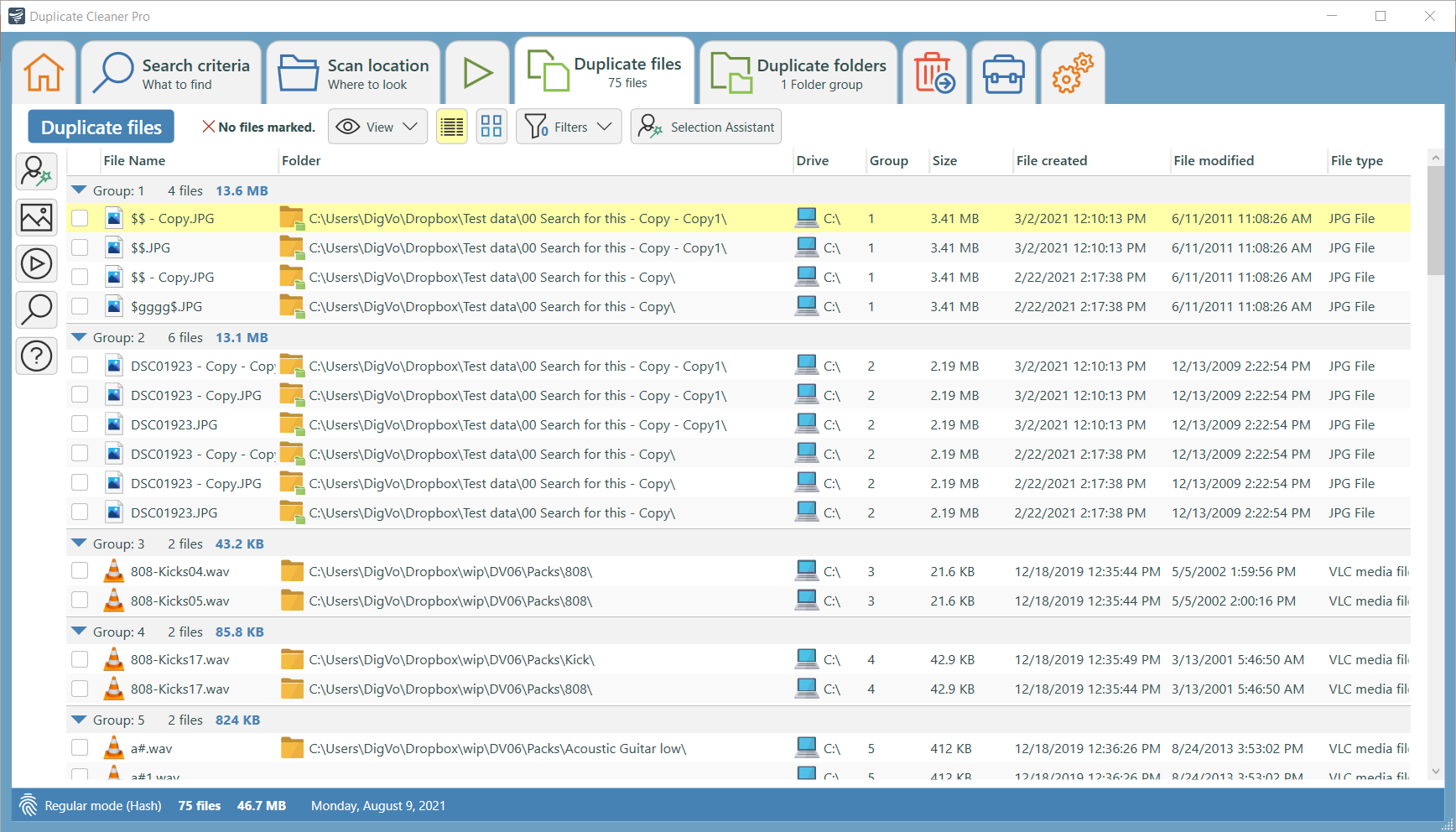
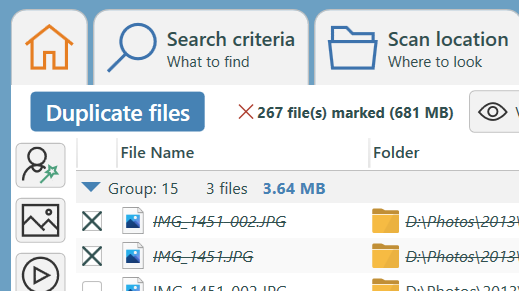
Duplicate files found.
-
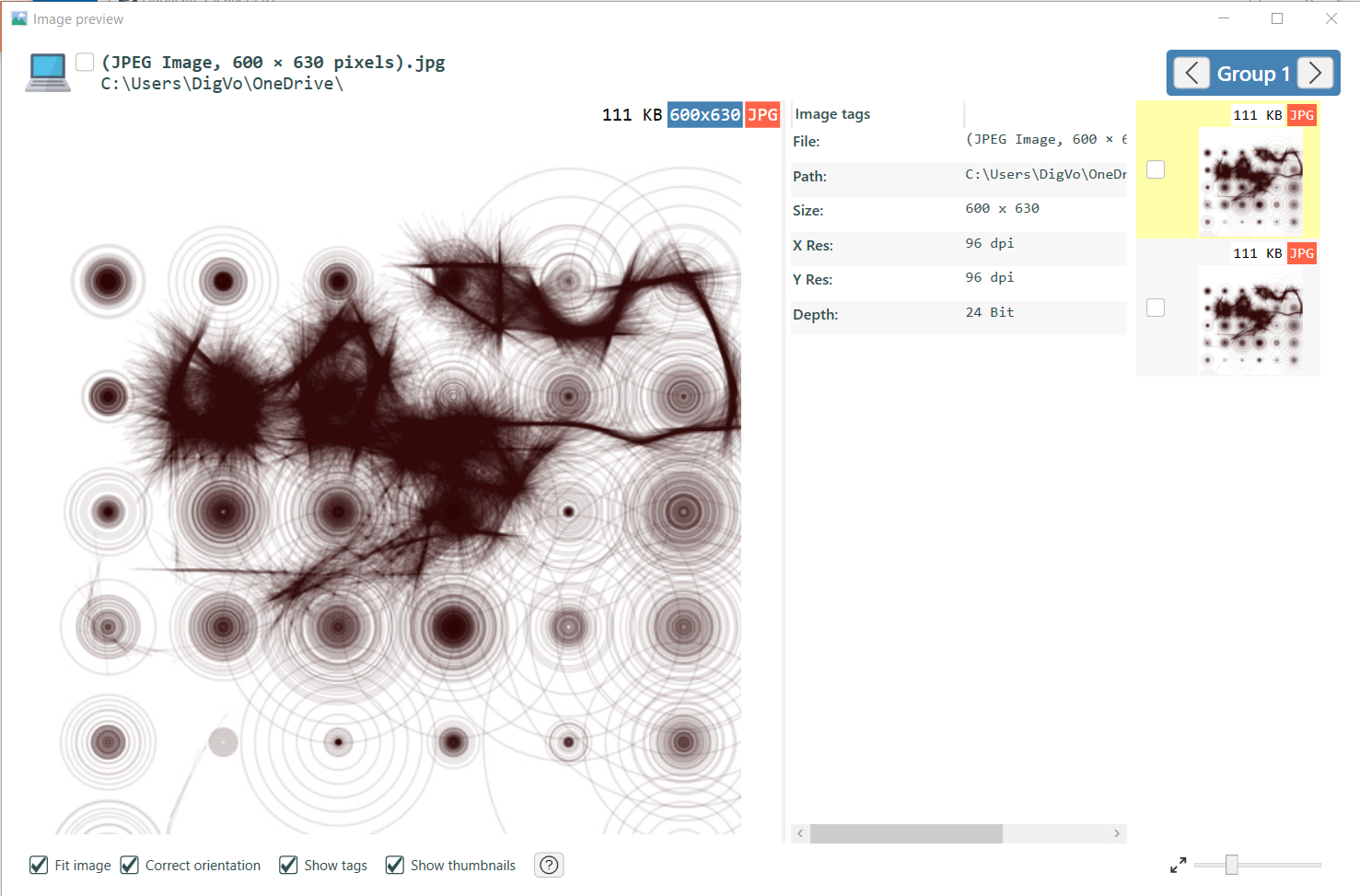
Image preview tool with duplicates browser.
-
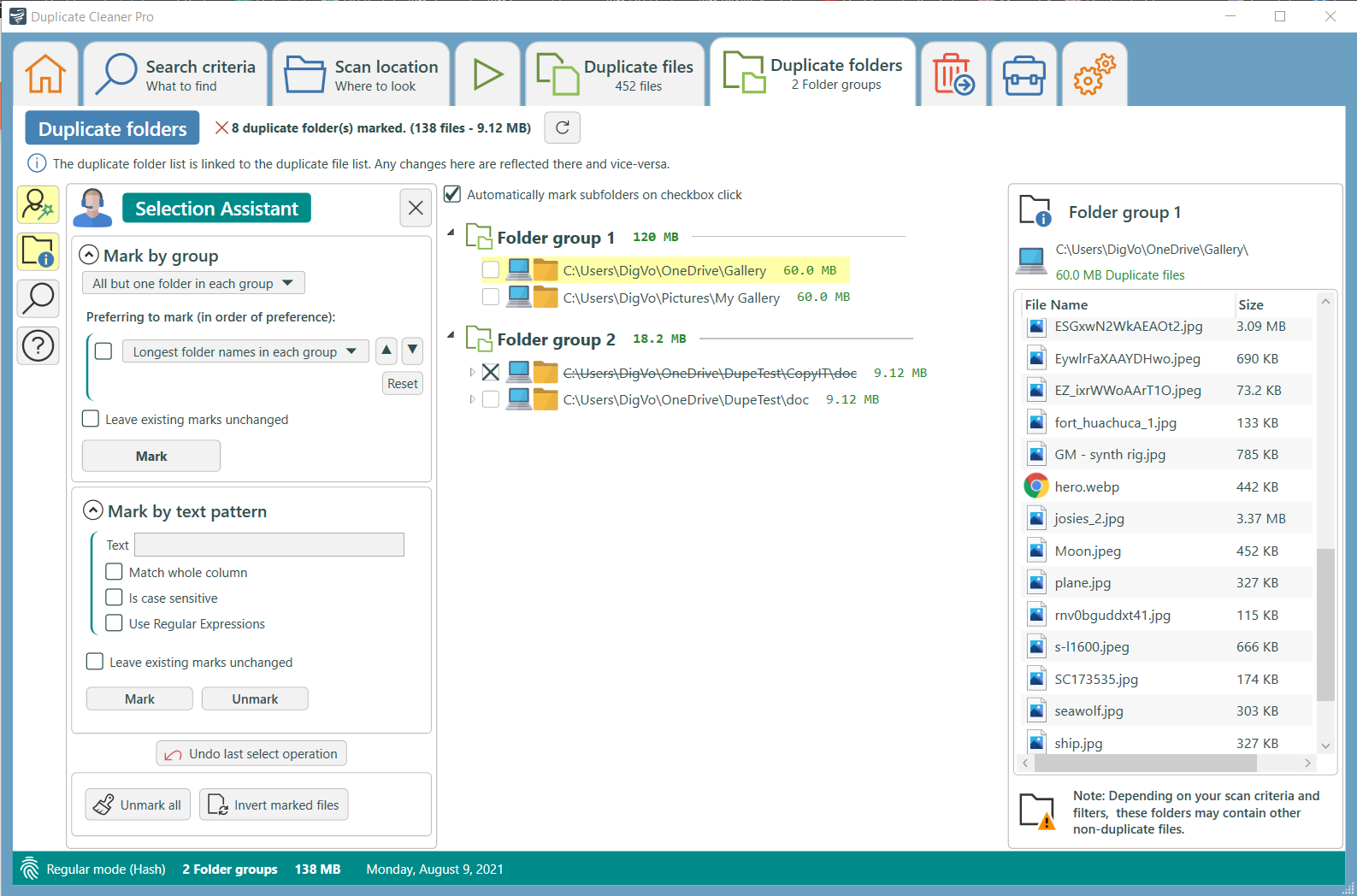
Duplicate folders found
Got Questions? Good, because we've got answers.
Duplicate Cleaner is a tool for finding and removing duplicate files from your computer or network drives. It is intended to be used on user content - documents, photos, images, music, video but can be used to scan any type of files.
Yes - your download comes with a 7 day trial. You can try out all the features!
Free has the basic functionality, and is only for personal/home use - not for use in a commercial environment. Pro has lots more functions including similar image detection, finding duplicate folders and unique files, searching in zip files and advanced filters and search methods. Full feature list and comparison.
Duplicate Cleaner (Pro Edition) is licensed for Personal or Commercial use. The License is perpetual and all updates to the Duplicate Cleaner 5 series are included in the price. Includes technical support by via our support centre and the forum.
Yes. You can view the manual online here. Duplicate Cleaner 5 online manual.
Check out our FAQ in the support centre. You can also drop us a message there. We also have a busy support forum.